Introduction
This section describes how to use NUCLEUS through the web platform. It focuses on what you do, step by step. The underlying ideas are explained in the Concepts section.
Assets
Assets are the starting point for everything you do. Before anonymizing or generating data, you add the dataset you want to work with.
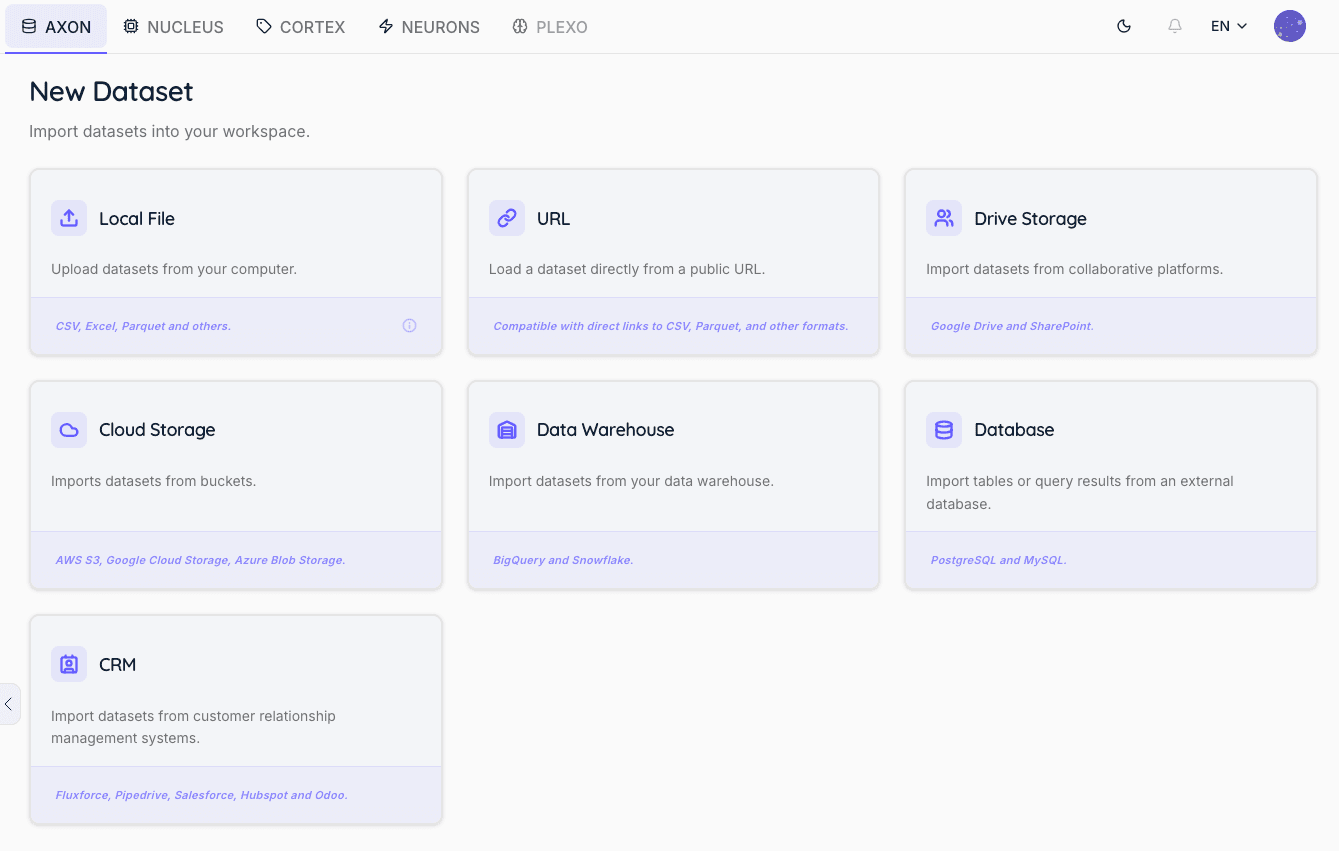
- Add data. Upload a file or connect a data source (see the AXON documentation). AXON registers it as an asset and records its description, including the country it comes from (used to make generated values, such as names and addresses, realistic for that country).
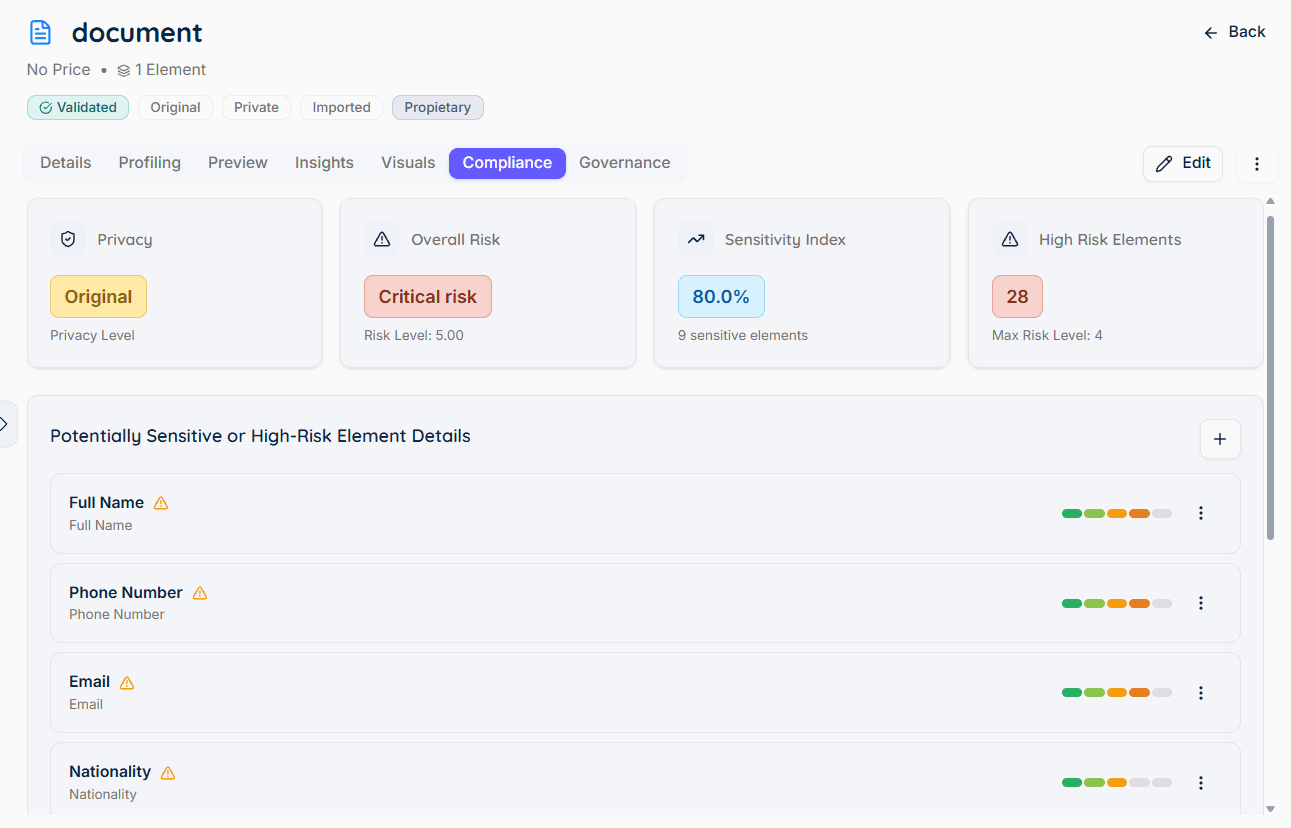
- Analysis. The asset is analyzed automatically to detect sensitive elements and their types. This is what drives the default methods suggested later.
- Traceability. Every step of the process is recorded in the logs — the validation, the anonymization, and the synthesizer training and generation — and you can consult them at any time from the Observability tab, together with the status and outcome of each execution. This gives you a complete audit trail of what was done to your data, when, and with which configuration.

Anonymization
Anonymization protects the sensitive elements of an asset and saves the result as a new anonymized asset. The original is never changed.
Automatic configuration
Only the elements you leave selected are transformed. Everything else — the elements you deselected and all the non-sensitive data — is preserved unchanged, which is what keeps the anonymized asset identical in structure to the original.
For each detected sensitive element, NUCLEUS pre-selects the default method for its type (see Anonymization Methods). Automatic configuration lets you anonymize an asset in one step using these defaults — the fastest way to get a protected dataset.
Advanced configuration
Advanced configuration gives you control element by element. For each sensitive element or column you can:
-
Decide whether to protect it at all. Every sensitive element found during the analysis is selected by default. If you deselect an element, it is excluded from the anonymization: no method is applied to it and its values are carried over to the anonymized asset exactly as they appear in the original. This is useful when a detected element is not actually sensitive in your context, or when a downstream process needs that value intact.
-
Choose any supported method for that element type.
-
Adjust the method’s settings (for example, the sensitive type for Simulation, or the amount of noise for Perturbation).
-
Mix methods across a single asset to balance privacy and usefulness — stronger, irreversible methods for the most sensitive columns, reversible ones where you may need to recover the original.

Methods
See Anonymization Methods for the full list of methods, the default per data type, what each method does, and which ones can be reversed. In the web app, the method picker for each element shows exactly these options, filtered by the element’s type.
De-anonymization (selective reversal)
For methods that keep a mapping, the platform can selectively reverse anonymization. You choose which columns to restore, and NUCLEUS returns those columns to their original values. Reversal requires the appropriate permissions, since it is controlled separately from the data itself.

Synthetic Data
Working with synthetic data has two steps: first you train a synthesizer, then you generate data from it.
Training
Select an asset, set the training options — column types, privacy settings, choose an algorithm (Generic, Transactional, Time Series, or Relational), and any algorithm-specific options. NUCLEUS then trains the synthesizer, evaluates it automatically, and saves it. You can follow the progress from the platform.

Common options include the number of training passes, the quality-vs-privacy mode, the column types, how identifiers are generated, date formats, sensitive columns, and rules that must always hold in the data (for example, “age must be 18 or over”). See the Reference Manual for the full list.
Synthesizer management
Every trained synthesizer is stored in the NUCLEUS Synthesizers workspace, providing a centralized repository for managing synthetic data generation models.

For each synthesizer, users can:
-
View synthesizer metadata, including its name, description, creation date, algorithm, and training status.
-
Review the complete training history and execution logs to monitor the progress and outcome of each training process.
-
Retrain an existing synthesizer using updated source data or a different training configuration.
-
Rename or update the synthesizer description to improve organization and documentation.
-
Delete synthesizers that are no longer required.
-
Import synthesizers trained in an on-premise environment. Only the trained model is imported—the original training data never leaves the customer’s infrastructure.
-
Reuse the same synthesizer to generate multiple synthetic datasets across different projects and use cases.
Training configuration, evaluation results, metadata, and lifecycle information remain associated with each synthesizer, providing full traceability from model training to synthetic data generation.
Synthetic Dataset Generation
Once a synthesizer has been trained, it can be reused to generate multiple synthetic datasets without retraining.
To generate a synthetic dataset, users simply select:
-
The synthesizer to use.
-
The number of synthetic records to generate.
-
Optional generation parameters.
-
Optional conditional generation rules.
The resulting synthetic datasets are automatically stored in the user’s Dedomena.AI workspace. From there they can be:
-
Downloaded.
-
Enriched using NEURONS.
-
Published through CORTEX.
-
Reused in subsequent AI, analytics, testing, simulation, and secure data-sharing workflows.
Because the synthesizer already contains the learned statistical representation of the original dataset, access to the source data is no longer required during generation.
Conditional generation
You can shape the output instead of generating a plain copy. By setting target proportions per category, you can rebalance or filter the synthetic dataset. Proportions apply jointly across columns — for example, asking for gender = Female together with fraud = yes produces only rows that are Female and fraudulent. This is handy for boosting rare groups or building balanced training sets.

Evaluation reports
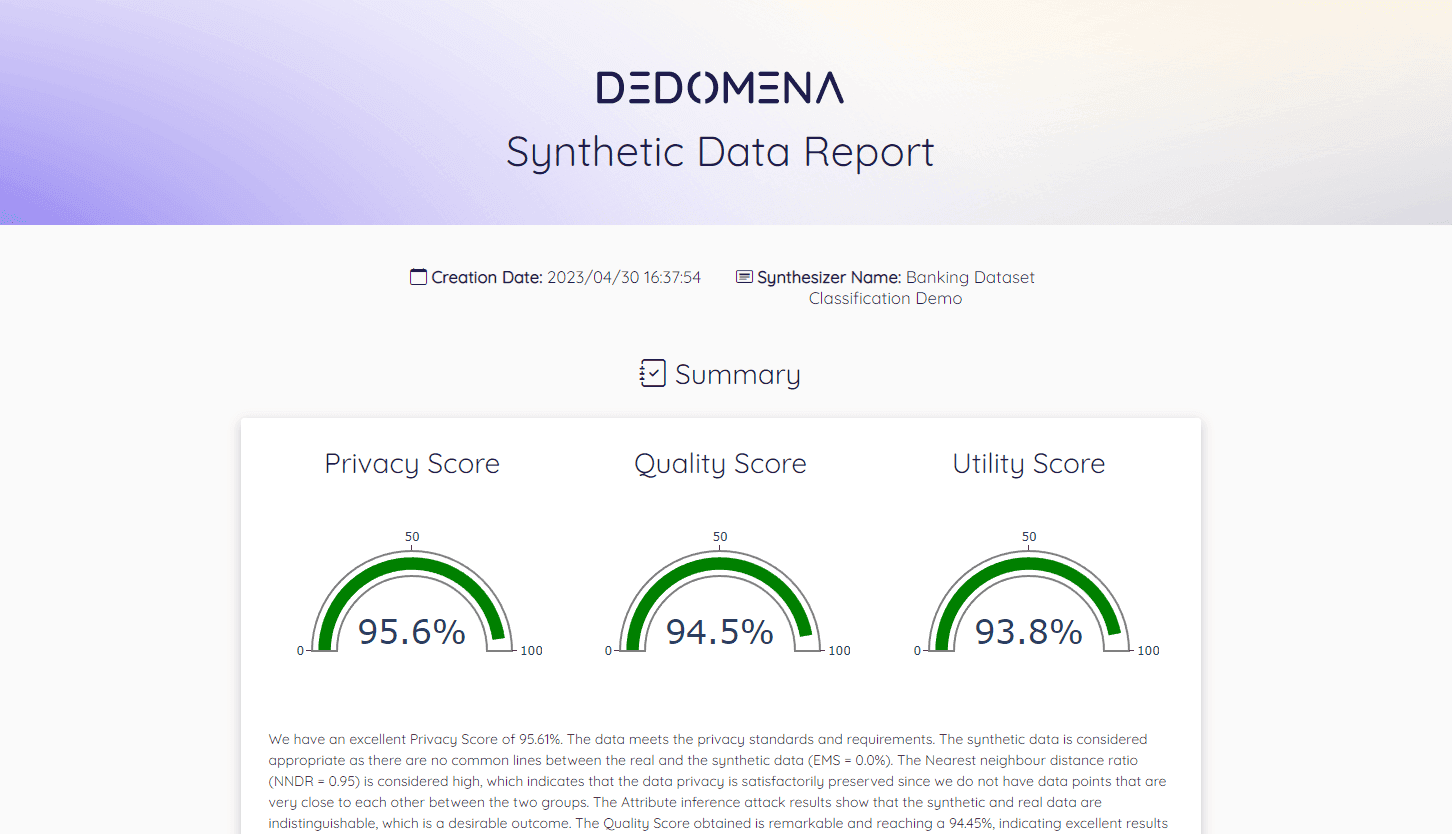
Every trained synthesizer comes with the automatic quality report described in Synthetic Data Evaluation. Review it before you generate and share data. For a set of related tables, you get a combined report covering all of them.